Embed the offerwall and credit users automatically.
Everything you need to integrate AdswedMedia: an iFrame tracking link and a server-to-server postback. You will need your PUBLIC KEY and SECRET KEY from the Setup page.
An application is required to use our tools. Once you create an app and get approved, you will receive a PUBLIC KEY and a SECRET KEY that you will need to integrate our offerwall.
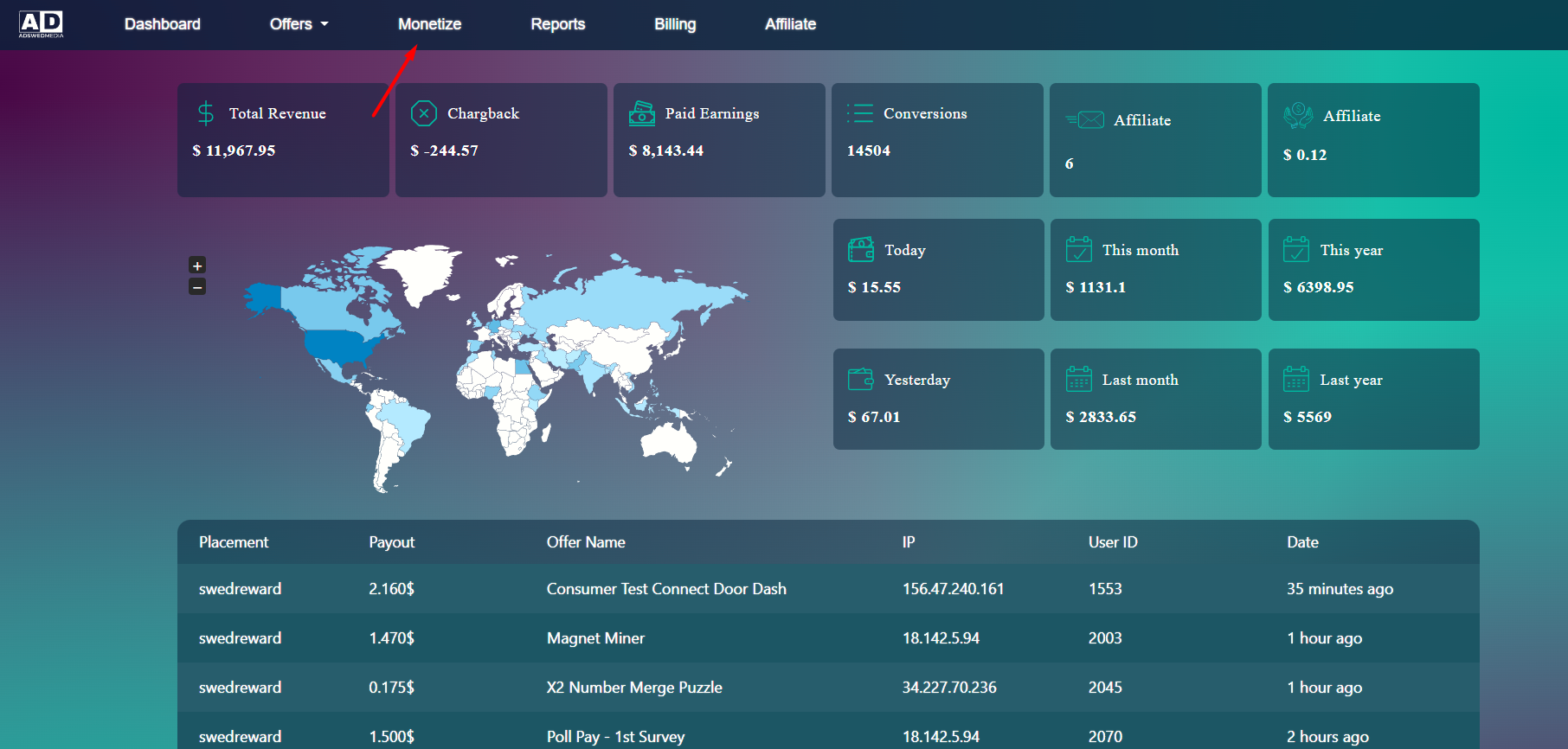
Log into your AdswedMedia account and click Monetize.
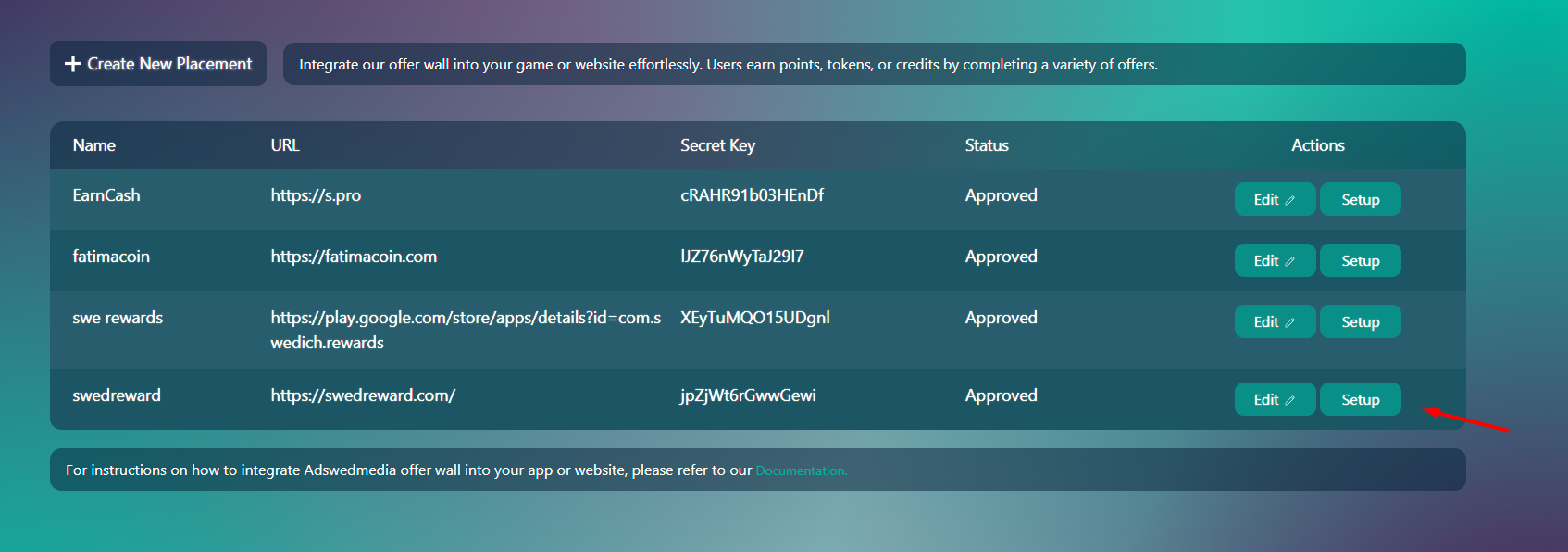
On the Monetize page click Setup.
Step 3 — Tracking Link
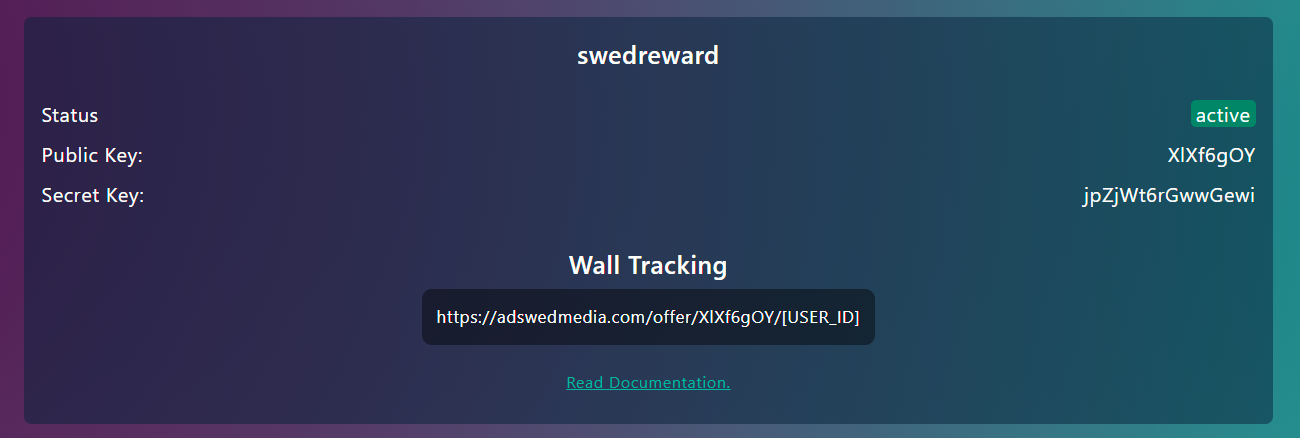
On the Setup page you can get your wall tracking link and your site keys for the offerwall and postback setup. Replace YOUR_KEY with your Public Key and USER_ID with your user's unique identifier.
Whenever a user completes an offer, we make an HTTP GET request to the Postback URL you configured in your app, with all the information needed to credit your user.
Parameters
Parameter
Description
subId
Unique identifier code of the user who completed the action on your platform.
transId
Unique identification code of the transaction made by your user on AdswedMedia.
reward
Exact amount of your virtual currency to be credited to your user.
round_reward
Amount of your virtual currency to be credited to your user in the selected decimal points.
payout
Offer payout in USD.
signature
MD5 hash that can be used to verify that the call has been made from our servers.
status
1 when the virtual currency should be added · 2 when it should be subtracted (advertiser cancelation, fraud or mistake).
userIp
The user's IP address.
offer_id
ID of the completed offer.
offer_name
Name of the completed offer.
country
Country (ISO 2-letter) from where the lead comes.
uuid
Unique identification code of the click made by your user on AdswedMedia.
event_id
ID of the offer event that was credited. Empty for non-event conversions.
event_name
Name of the offer event that was credited. Empty for non-event conversions.
Heads up:reward and payout parameters are always absolute values.
Signature & PHP example
You should verify the signature received in the postback to ensure that the call comes from our servers. The signature parameter must match the MD5 of subId + transId + reward + secret. You can find your secret key on the Setup page.
Every postback we send comes from a single, static IPv4 address. If your server or firewall filters inbound traffic, add it to your allowlist so our calls are not dropped.
Purpose
Value
Postback source IP
162.0.222.57
Protocol
IPv4 only — we never send postbacks over IPv6
Method
HTTP GET
whitelist.php
<?php// Accept postbacks only from AdswedMedia$allowed = ['162.0.222.57'];
// Behind Cloudflare or a reverse proxy? REMOTE_ADDR is the proxy, not us.$ip = $_SERVER['REMOTE_ADDR'];
if (!in_array($ip, $allowed, true)) {
http_response_code(403);
echo"ERROR: Unauthorized IP";
return;
}
?>
Use it together with the signature, never instead of it. An IP can be spoofed at the network level and proxies rewrite it; the signature check is what actually proves the call is ours. Treat the allowlist as a first filter only.
Behind a proxy or CDN? If your site sits behind Cloudflare, a load balancer or any reverse proxy, REMOTE_ADDR will be the proxy's IP, not ours — and the check above will reject every legitimate postback. In that case read the original client IP from the header your proxy sets (for example CF-Connecting-IP) and only trust that header when the request really comes from your proxy.
If we ever need to change or add an IP, we will announce it here and by email well in advance. Keep the signature validation in place so a change on our side can never stop your users from being credited.
Postback Response
Our server expects one of the following text responses:
OK when you receive a new transaction.
DUP when you receive a duplicate transaction. In that case our server stops further attempts for that transaction.
We wait for a response up to 60 seconds before timing out. On timeout, the same transaction is retried up to 5 times during the next few hours. Always deduplicate by transId to avoid crediting the same user twice.
Testing Tool
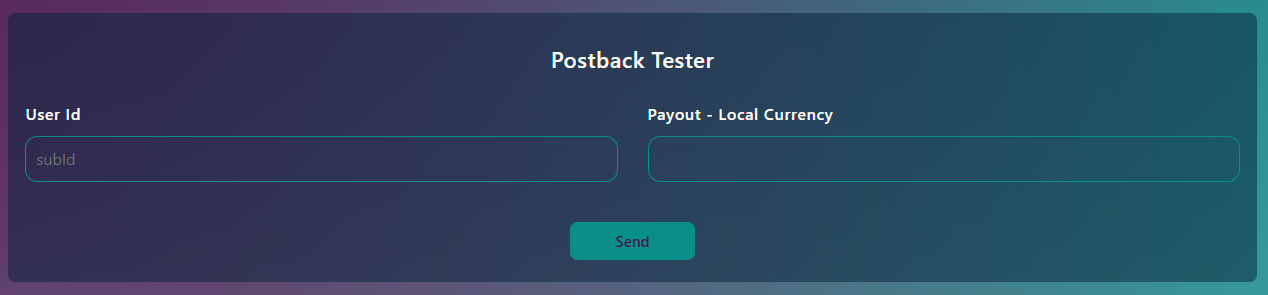
A testing tool is available on the Setup page (where your tracking links are). It lets you send test postbacks to verify your integration.